
Daily Basic Maintenance Steps
Visual and Environmental Inspection
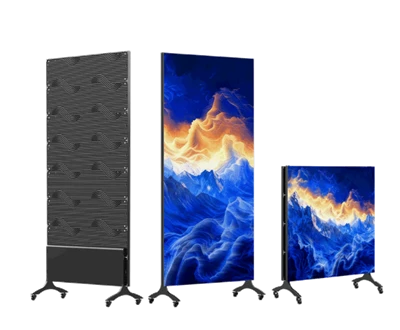
Visually inspect the display surface for physical damage or loose structural components.
Ensure no flammable, explosive, or corrosive materials are stored near the display unit.
Monitor ambient temperature and humidity to ensure they remain within the equipment's operating limits.
Basic Dust Removal
Power off the unit and allow it to cool completely before using a soft-bristled brush to sweep away surface dust.
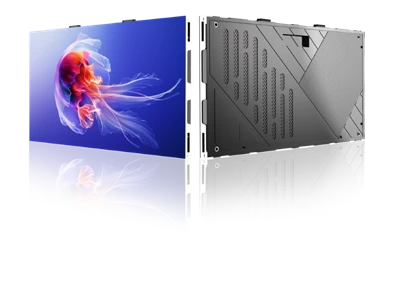
Use a vacuum cleaner to remove accumulated dust from ventilation vents and gaps between modules.
Proper Power-On/Off Procedures
Turn on the control computer first, then start the display screen.
When powering down, turn off the display screen first, then the computer; allow an interval of more than 5 minutes between these two actions.
Monthly Maintenance Steps
Heat Dissipation System Maintenance
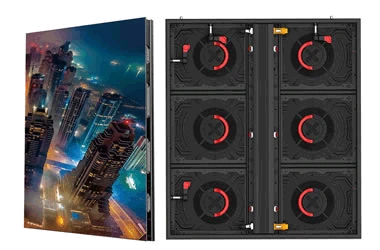
Clean dust from cooling fan blades and check for abnormal noise during fan operation.
Clear any debris blocking the heat dissipation vents.
Wiring and Connection Inspection
Inspect power and signal cables for damaged insulation, signs of aging, or rodent damage.
Tighten any loose screws or clips on module ribbon cables and power connectors.
Comprehensive Functional Testing
Test preset functions-such as automatic power-on/off, brightness adjustment, and program switching-one by one.
Check the display for anomalies such as dead pixels, dim pixels, or color inconsistencies.