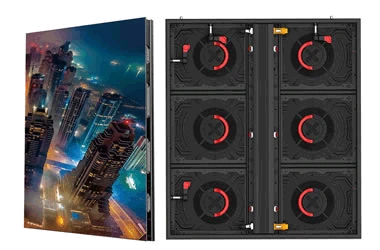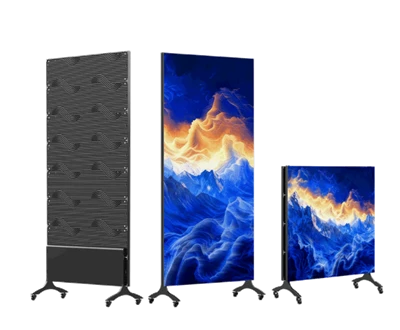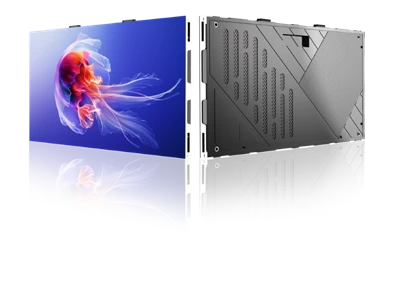

Pre-cleaning Preparation
Power Off: Turn off the power to the LCD display cabinet and unplug the power and signal cables to prevent electric shock or equipment damage.
Environment: Move the unit to a well-lit, ventilated area to clearly spot dust and stains.
Tools: Use a lint-free microfiber cloth or a dedicated LCD cleaning cloth, paired with an alcohol-free, neutral screen cleaner or plain water.
Cleaning Steps
Dry Dusting: Gently wipe the screen surface in a single direction with a dry cleaning cloth to remove loose dust; avoid scrubbing back and forth.
Wet Cleaning: Spray a small amount of cleaning solution onto the cloth (keeping it slightly damp)-do not spray directly onto the screen. Gently wipe stubborn stains in a single direction without pressing hard on the screen.
Air Drying: After cleaning, allow the screen to air-dry naturally in a ventilated area; do not use a hair dryer or hot air, as this can damage the screen coating.
Cabinet Cleaning: Wipe the metal or wooden cabinet body with a soft, damp cloth; for stubborn stains, use a specialized display cabinet cleaner.