
Environmental Control
Temperature and Humidity Control: Maintain the environment at 22°C ±5°C with 30%–80% humidity. High temperatures and humidity accelerate component aging; during the rainy season, it is recommended to power on the unit for half an hour daily for dehumidification.
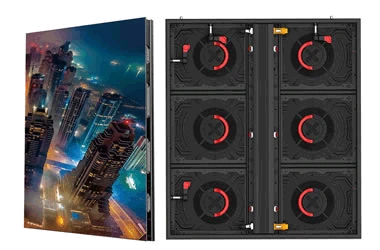
Environmental Cleaning and Protection: Regularly remove dust from ventilation vents and clear away food debris to prevent insects from entering and causing short circuits or component burnout.
Avoiding Adverse Environments: Keep the unit away from direct sunlight and strong magnetic fields, and protect it from corrosive gases.
Screen Cleaning Guidelines
Tool Selection: Use a specialized soft, lint-free cleaning cloth and an anti-static screen cleaner; do not use volatile chemical solvents such as alcohol or benzene.
Cleaning Procedure: Disconnect the power before cleaning. Gently wipe the screen with a slightly damp, soft cloth and allow it to air-dry. Do not press on the center of the screen or use a hair dryer to apply heat.
Cleaning Frequency: Once a week is recommended; excessive wiping can accelerate wear on the screen's surface coating.
Equipment Usage Management
Runtime Management: Avoid continuous operation exceeding 72 hours and do not display the same static image for extended periods; lower the screen brightness appropriately to reduce the load.
Powering On/Off: Follow standard startup and shutdown procedures; avoid sudden power cuts or frequent cycling to ensure the stability of internal circuits.
Physical Protection: Do not strike or press hard on the screen. Handle with care during transport to prevent pressure damage to the LCD panel, which could cause bright lines or liquid leakage.