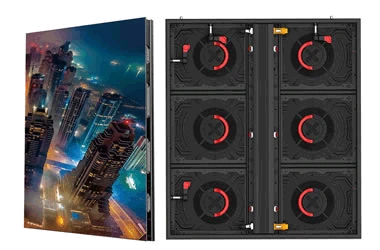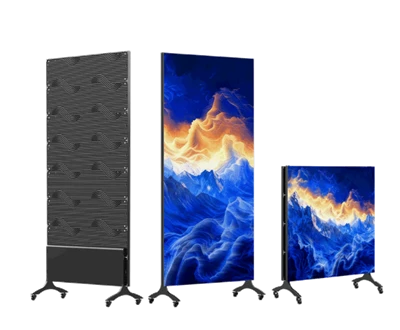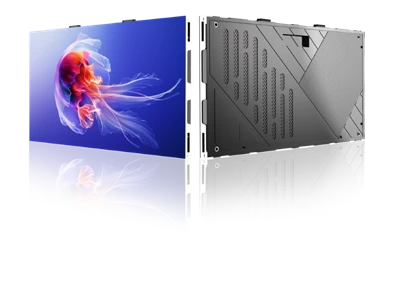

Pre-installation Preparation
On-site Verification: Check the LCD display cabinet model and accessory quantities; confirm that the installation location meets size and load-bearing requirements; and verify that power supply and signal lines are properly routed.
Environmental Check: Ensure lighting and ventilation in the installation area meet standards; avoid locations subject to strong electromagnetic interference, high humidity, or impact risks; and keep the unit out of reach of children.
Tool Preparation: Prepare professional tools such as a torque wrench, anti-static wrist strap, spirit level, and cable tester; clean the installation contact surface beforehand to ensure it is dry and dust-free.
Main Frame Installation
Assemble the cabinet body or rack according to the design drawings; secure the frame to the wall or floor using expansion bolts; and use a spirit level to ensure the unit is perfectly level and stable.
For wall-mounted installations, verify that the wall is solid; for recessed installations, ensure the wall opening dimensions perfectly match the outer frame dimensions of the display cabinet.
Screen and Component Installation
For LCD video wall-style cabinets, install the LCD panels one by one, adjusting screws to eliminate gaps between panels and ensure overall screen flatness meets standards.
Connect the corresponding ribbon cables, power cords, and signal lines, ensuring connectors are aligned and securely fastened to prevent loosening; if the unit features touch functionality, attach the infrared touch frame to the screen bezel and connect the USB extension cable.
If the unit includes LED strips, route the wiring through pre-cut grooves in the cabinet shelves, snap the LED strips into the grooves to secure them, and ensure the external power connection point is properly positioned.